Showing posts with label Windows. Show all posts

Monday, February 13, 2017

Linx 1010b Windows 10 tablet


Whistlestop review of this product that i've had in my possession for months now...

The Linx 1010b has an Intel Atom Z3735F Quad Core processor, 32 GB storage (with SD card reader), 2 GB RAM, and comes with Windows 10 Home preinstalled along with a Keyboard dock. All available for £139.99 (S$275 approx.)

  • Comes well packaged
  • This thing is heavy as hell, particularly with the keyboard attached.
  • Setup is very quick
  • Battery life is excellent initially, but charging the device is very very hit or miss with how long it takes to fully charge.
  • Keyboard dock trackpad is poor, but gives a little additional battery.
  • Sometimes disconnecting the keyboard and connecting it isn't seamless, but reliable mostly
  • Product quality is generally good and performance is more than adequate. Not gonna set the world alight, but for a cheap Windows 10 tablet, what more would you expect?


Thursday, June 26, 2014

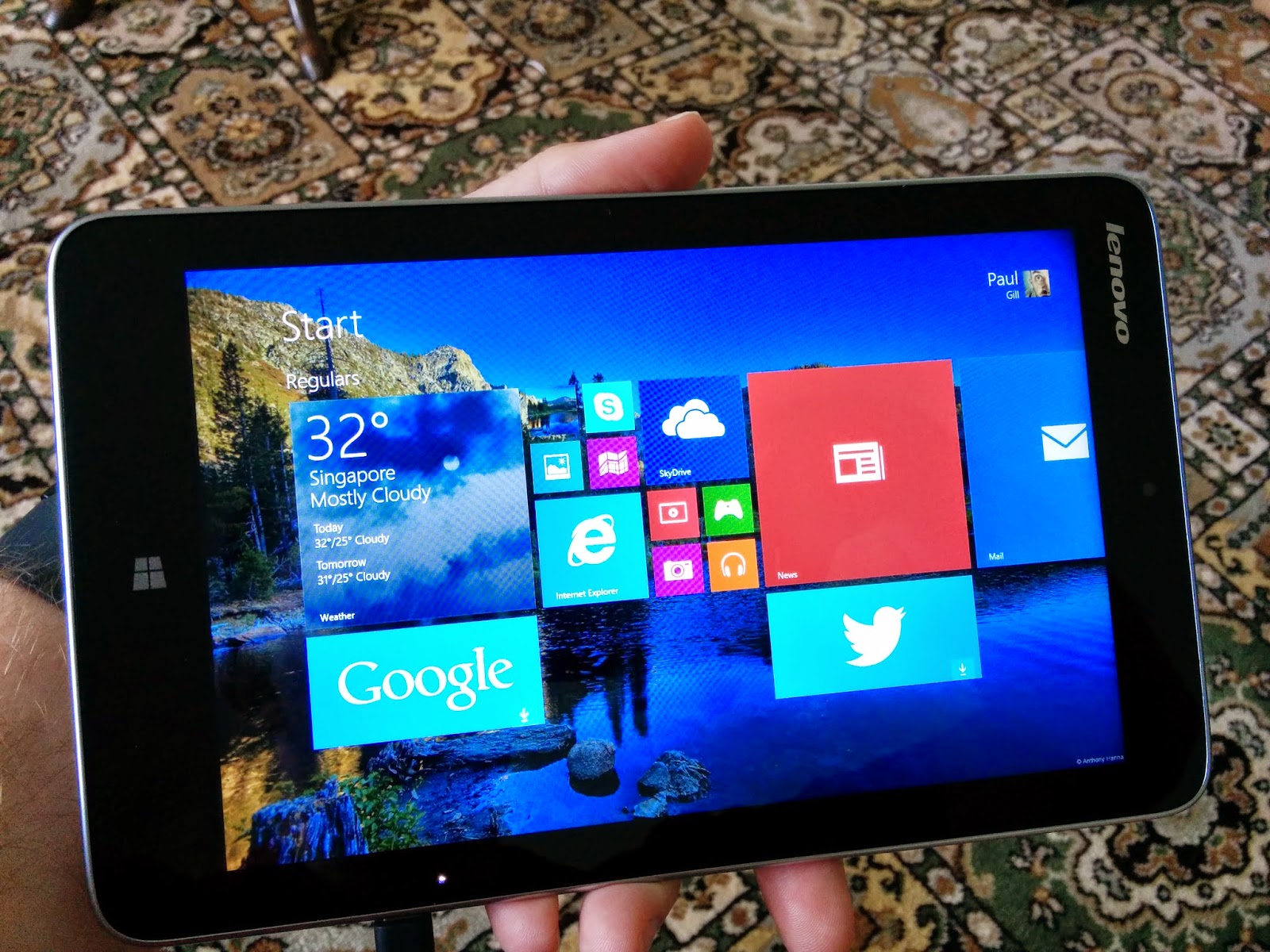
Lenovo Miix 2 8 - Unboxing


I originally managed to get my hands on a Dell Venue Pro, despite it not being available in Singapore, and used it for a couple of months before parting company with it.  It had a grippy back but didn't feel cheap.  Even so I'd prefer something more metallic.

I was however missing the convenience of a tablet running full Windows 8.1! So I checked out the alternatives from Acer and Toshiba and of course Lenovo.  I managed to get the Miix 2 8 from Amazon.co.uk for £199 and for that price, I thought I couldn't really go wrong, surely?

The item was delivered promptly and came in a neat box which strangely has a different shaped lid so its not easy to open (why do companies do this?). But within the box there was the tablet, the license details for Student and Home edition of Microsoft Office, and the charger/cable.  Pretty plain sailing.


Tried to boot the device out of the box but it was dead, which was unusual as devices usually come with at least 20% for an initial boot. Anyway. I plugged in and switched on and we were away; standard Windows first boot. It took around 10 minutes to get through everything which struck me as slow, but ultimately was not an indicator of the device's actual speed, which we'll address in a future post...


Enjoy the pics and a full review will arrive soon!  ?:-D

Friday, July 5, 2013

Windows 8.1 Blue - Kudos Microsoft


I have a really old Asus netbook that has had a version of every single operating system you could think of on it over the years, it's even had a teardown for a new hard drive when the old one snuffed it.  I have been running Windows 8 since it's first leaked Alpha versions and was reasonably pleased with the initial release (despite having to play with my registry to enable downscaling resolutions to run 'metro' apps.)

I downloaded the official Windows 8.1 ISO from Microsoft and did a clean install.

Install times were a reasonable 25 mins, and of course boot times are about 10 seconds from cold to the login screen.  Awesome.

The Metro Control Panel ("PC Settings") now has a lot more options to handle customisation and system information.  It feels more substantial, and it feels more complete.

The Start Screen is now more customisable with new bigger and smaller Live tile sizes, so tiles such as the weather can display more information and those apps that have no Live tile function can be squeezed in without taking up too much screen real-estate.  Well played again.  As well as the tile functions there's far more colour scheme options and patterned wallpapers that can be used along with an option to use the desktop app's wallpaper (my favourite way of linking the metro and desktop worlds thus far).  The customisations can now happen from the side menu bar meaning changes can be seen as theyre made; a much smarter way of doing things.  Microsoft seems to be listening, and listening well.


Another thing is the return of the Start button from the Desktop app.  Personally, I didn't care about this too much, and now it's back, it looks ok, but I couldve lived with or without it, didnt concern me at all.  But it's back.  Yay.


All in all, this is a great step forwards from Microsoft, and I really look forward to seeing the full release of this version later this year, perhaps alongside a Surface Pro 2 machine???  :-)   There are hundreds or little items that have been tweaked or changed to improve the User Experience and it's mainly for the good.  I'll keep using this as my main desktop and when Mavericks gets a full release I'll be getting a new Mac to test alongside a nice fresh Windows 8.1.  

2013 is an exciting year!